- Home
- Shop All Products
- All Garage Door Remotes
- All Gate Remote Controls
- Tilt Garage Door Parts & Handles
- Sectional Garage Door Parts
- Tilt Garage Door Springs
- Buy Garage Door Motors DIY
- Garage Door & Gate Keypads & Wall Buttons
- Garage Door And Gate Receivers
- A1 Garage Door Remote Controls
- Acdc Garage Door Remotes
- Ads Dominator Garage Door Remotes
- Aprimatic Gate Remotes
- Ahi Garage Door Remotes
- ATA Garage Door Remotes & Keypads
- Avon Smartdoor Garage Door Remotes
- B&d Garage Door Remotes
- BENINCA Gate Remotes
- Bft Garage Door & Gate Products
- Boss Garage Door Remotes
- Came Garage & Gate Remotes
- Casar Garage Door Opener Remotes
- Centurion Gate & Garage Door Products
- Centsys Gate & Garage Door Remotes
- Chamberlain Garage Door Remotes
- Cloning Garage Door Remote
- conqueror garage door remotes
- Dace Gate Remote Controls
- DEA Gate Remote Controls
- Defender Garage Door Remotes
- Digi Code Garage Door Remotes
- Ditec Gate & Garage Remotes
- Dominator Garage Door Remotes NZ
- DoorHan Gate Remotes
- Doormate Garage Door Remotes
- Doorworks Garage Door Remotes
- Easy Lifter Garage Door Remotes
- ECA Gate & Garage Door Remotes
- Elsema Garage Door & Gate Remotes
- ET Door Opener Remotes
- FAAC Gate Remote Controls
- Force Garage Door Remotes
- Garageace Garage Door Remotes
- Fushi Garage Door Remotes
- Garador Garage Door Remote Controls
- Genius Gate Remote Controls
- Gibidi Replacement Remotes
- Gliderol Garage Door Remotes
- Grifco Garage Door Remotes
- Guardian Garage Door Remote Controls
- King Kong Doors Remotes
- Lees Technology Garage Door Remotes
- Liftmaster Garage Door Remotes
- Lockmaster Garage Door & Gate Remotes
- Merlin Garage Door Remotes & Keypads
- Mhouse Garage & Gate Remotes
- Motorpol Garage Door Remotes
- Motorlift Garage Door Remotes
- Motostar Gate Remotes
- Nice Garage & Gate Remotes
- Orbit Garage Door Remotes
- ORCA Garage Door Remotes
- Parker Garage Door Remotes
- Remote King garage & Gate Remotes
- Rib Gate & Garage Door Remote Controls
- Securalift Garage Door Remotes
- Smart Openers Garage Door Remotes
- Sommer Remote Controls
- Sovereign Garage Door Remotes
- SuperLift Garage Door Remotes
- Steel-Line Garage Door Remotes
- Tau Gate Remote Controls
- Tiltamatic Garage Door Remotes
- Tmt Automation Gate Remotes
- Troytec Garage Door Remotes
- Vergo Garage Door Opener Remote
- Vaskeri Garage Door Remotes
- V2 Phox Garage Door & Gate Remotes
- Windsor Garage Door Remotes
- Remote Control Sun Visor Holders
- Garage Door Motor Parts
- Services We Offer In Auckland
- T&C
- Shop By Motor Head
- Contact Us
- Our Easy Remote Coding Videos
- Helpful Information
- Customer Testimonials
- FAQS
- About Us
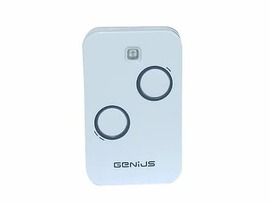
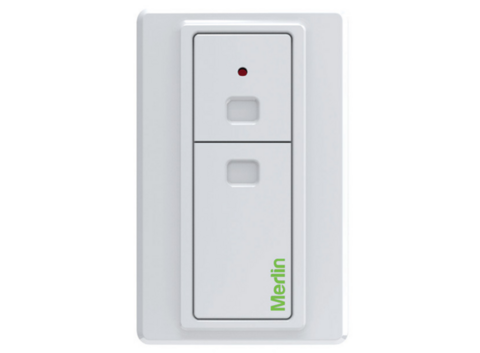
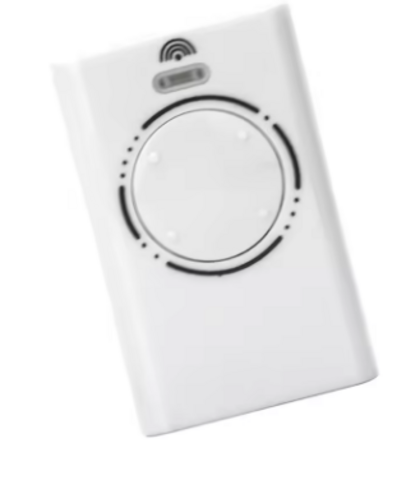
Can One Garage Door Remote Control Two Doors
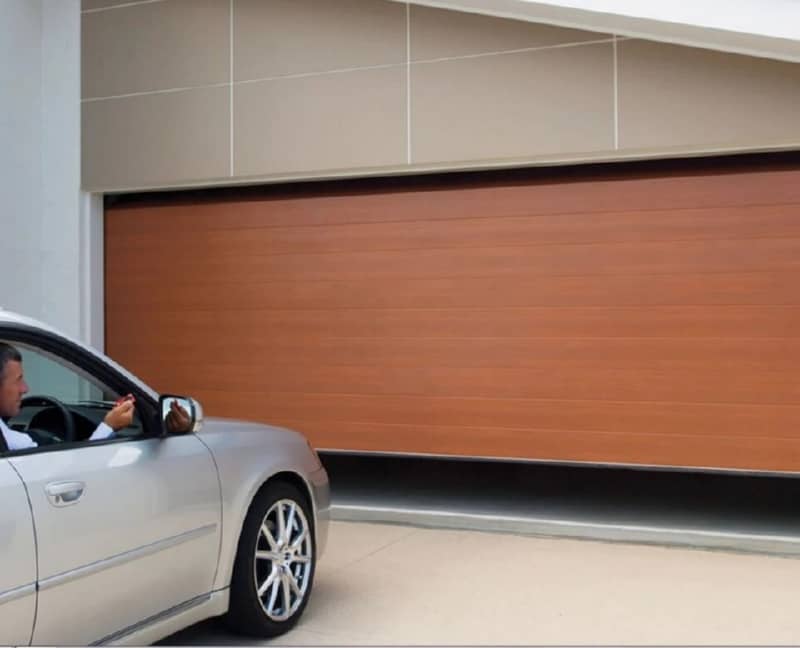
This is where people often get tripped up. Two buttons on a remote does not automatically mean it can run two different doors. Some remotes are multi-button but still only work with one brand or one receiver type. Others can be coded so each button controls a separate door, gate or accessory. The detail matters, because compatibility is what decides whether this is a quick DIY job or a receiver upgrade.
Can one remote control two doors in practice?
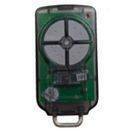
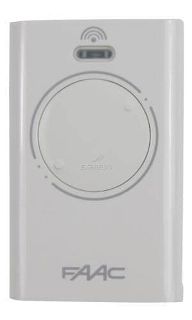
Yes, one remote can control two doors if the system is set up to allow it. The most common example is a two-button or four-button remote where one button operates Garage Door 1 and another button operates Garage Door 2. That works well when both doors use the same opener brand and the same coding format.
It can also work when the doors use different systems, but usually only if you add a compatible external receiver to one or both motors. In that setup, the remote is not talking directly to the original motor electronics. It is talking to the new receiver, which then triggers the door.
For homeowners, this usually comes down to three realistic scenarios. Both doors are on the same brand and frequency, which is the easiest. The doors are on different systems but can be unified with a receiver solution. Or the systems are too old, too locked down, or too mismatched for a single-remote setup to be worthwhile.
When one remote can control two garage doors
If you have a double garage with two separate motors, there is a good chance one remote can run both. Most modern garage door opener brands offer remotes with multiple buttons. Each button can be programmed to a different opener, provided both openers are compatible with that remote.
This is common in homes where the left and right garage doors were installed together. If both motors are the same brand and generation, coding one remote to both doors is usually straightforward. You pair Button 1 to Motor A and Button 2 to Motor B. Once done, you get a cleaner setup in the car and fewer remotes to lose.
The same logic applies if one button controls a roller door and another controls a sectional door, as long as the radio system is compatible. The door style does not matter nearly as much as the receiver and remote platform.
Can one remote control two doors if one is a gate?
Often yes, but this is where compatibility issues show up more often. A garage door opener and an automatic gate opener may be from different brands, installed years apart, and running different frequencies or coding methods. Even if both use remotes that look similar, that does not mean they can cross over.
If the gate motor and garage motor use the same radio platform, a multi-button remote may handle both. If not, a universal receiver or brand-specific receiver can sometimes bridge the gap. That lets a single compatible remote trigger both systems from separate buttons.
For many properties in New Zealand, this is the most useful setup. One button opens the gate from the street, and another opens the garage once you are inside. It keeps access simple and reduces the mess of multiple remotes on the visor.
What has to match for it to work?
The key factors are frequency, coding type and receiver compatibility. If these do not line up, the remote will not learn to the motor no matter how many times you try.
Frequency matters because the remote and receiver need to transmit and listen on the same band. Coding type matters because newer rolling-code systems and older fixed-code systems do not usually mix. Brand matters too, because many manufacturers use their own secure protocols even when frequencies appear similar.
This is why a generic remote bought on guesswork often fails. It may have the right number of buttons, but if it does not match the radio system, it will never operate the door. The practical way to approach this is to identify the motor or receiver brand, model and existing remote type first.
The simplest setups are usually same-brand systems
If both doors are controlled by the same brand and series, the job is generally simple. You use a compatible multi-button remote and program each button to the relevant receiver or motor head. This is the cleanest option because it avoids extra hardware, keeps the install tidy and usually preserves full function.
It is also the most reliable route if you want consistent range and response. Mixing systems through add-on receivers can work very well, but same-brand setups usually involve less fault-finding and fewer moving parts.
For property managers and landlords, this can make a difference. If two garage doors on a unit block share the same radio platform, replacement remotes are easier to source and easier to hand over to new tenants.
When you need an external receiver
An external receiver is often the answer when you want one remote for two doors but the original systems are not compatible. The receiver is wired into the opener so it can accept commands from a different remote platform.
For example, if your garage motor is older or obsolete, but still mechanically sound, there may be no need to replace the whole opener just to simplify your remotes. Adding a new receiver can give you access to modern remotes and let one handset control more than one entry point.
This can be a smart fix when the existing remote is no longer available, when replacement originals are expensive, or when one of the doors uses a hard-to-match system. It is not always a five-minute job, but it is often far cheaper than replacing a working motor.
Trade-offs to think about before changing anything
Using one remote for two doors is convenient, but there are a few practical trade-offs. The first is button confusion. If the remote has small or similar buttons, it is easy to press the wrong one until the habit sticks.
The second is security management. If one remote controls both the gate and garage, losing it creates a bigger access issue than losing a single-door remote. That does not make the setup a bad idea, but it does make secure coding and prompt replacement more important.
The third is complexity. If your current system already works and the two doors are on unrelated platforms, adding receivers just to reduce clutter may not be worth it for every property. It depends on how much convenience matters versus how much change you want to make.
How to tell what your current system can do
Start with the remote you already have. Count the buttons, then check whether unused buttons can be programmed. Next, look at the motor unit or receiver box for a brand and model number. If there is a learn button, note its colour and any labels nearby, because these details can help identify the correct remote family.
If you have one working remote for each door, compare them. If they are the same brand and same style, that is a good sign. If they are completely different, you may still get to one remote, but you are more likely to need a receiver solution.
Do not assume all universal remotes will do the job. Some only clone certain fixed-code remotes. Others work with selected brands but not all generations. A proper compatibility check saves time, returns and frustration.
DIY or get help?
If both doors are already on compatible systems, most confident DIY users can program a multi-button remote without much trouble. It is usually a matter of following the coding steps carefully and testing each button one at a time.
If you are dealing with mixed brands, older motors, missing remotes or receiver wiring, expert help can save a lot of mucking about. This is especially true if the property relies on the door daily and downtime is not an option. A specialist supplier such as NZ Garage Door Remotes can usually identify the system quickly and tell you whether a direct remote match or receiver upgrade is the better path.
By Nick NZ Garage Door Remotes
Posted: Friday 5 June 2026
Recent Posts
Archive
|
© Copyright New Zealand Garage Door Remotes - Site Map Phone: 0211724470 Auckland New Zealand |